AURELIA: The Minimalist Powerpoint Template for Modern Professionals
You've been there. The presentation is tomorrow, the slides are a mess of mismatched fonts, clashing colors, and stock photos that scream "template." The final product doesn't just look unprofessional; it actively undermines your message. For designers, entrepreneurs, and marketers, the visual presentation of an idea is as critical as the idea itself. This is where a thoughtfully crafted tool can transform your workflow and output. Enter AURELIA, a minimal media presentation template designed not as a mere collection of slides, but as a cohesive system for clear, impactful communication.
More Than a Template: A Foundation for Visual Storytelling
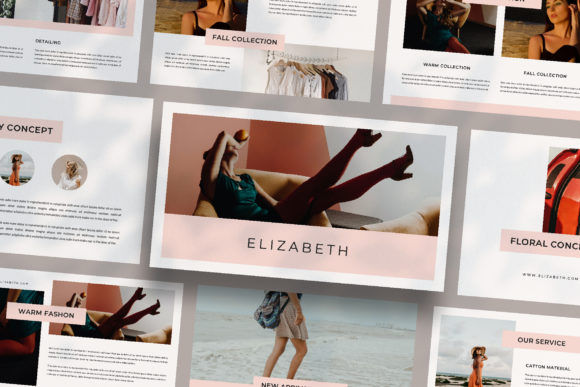
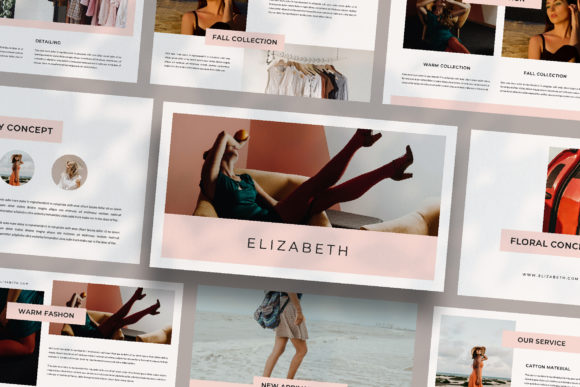
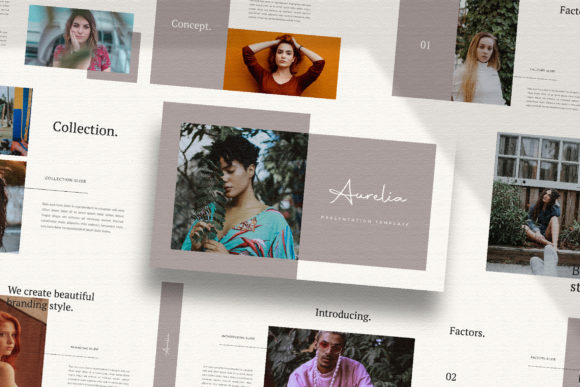
What sets AURELIA apart is its foundational philosophy. Each of its 35+ slides is a unique layout, carefully constructed to serve a specific purpose within a narrative arc. You won't find repetitive content blocks that force you to adapt your story to the tool. Instead, the tool adapts to your story. This approach is invaluable for creating brand guidelines, pitching to clients, or delivering a keynote that needs to hold attention from the first slide to the last. The lookbook and magazine-style layouts are particularly effective for showcasing visual projects—think a portfolio for a photographer, a mood board for an interior designer, or a product launch plan for a startup.
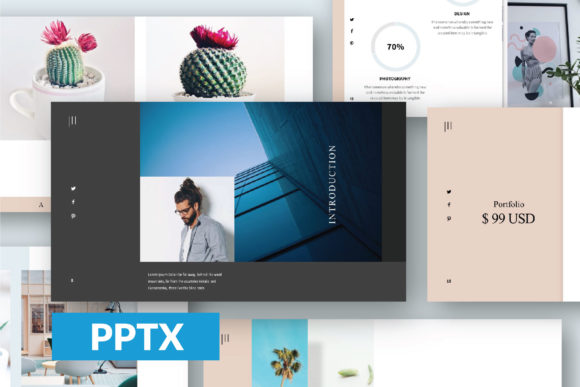
The template's strength lies in its neutrality and adaptability. With a unique theme color feature that allows for automatic color changes, you can instantly align the entire deck with your brand's palette. This isn't just about aesthetics; it's about brand consistency. Using your specific colors, paired with the included free fonts (links provided in the help guide), reinforces your visual identity at every turn. The drag-and-drop image placeholders, built with Slidemaster, streamline the process, letting you focus on content rather than wrestling with formatting. It’s a practical solution for busy professionals who need to create high-quality marketing assets, internal reports, or investor pitches efficiently.
Practical Applications Across Industries
The utility of a clean, professional presentation template extends far beyond the boardroom. Consider the small business owner crafting a proposal for a local partnership. AURELIA's clean lines and ample white space ensure the focus remains on your value proposition, not distracting design elements. For content creators and bloggers, it can be the backbone of a webinar, a YouTube tutorial series, or a digital media kit sent to sponsors. The consistent, high-resolution (1920x1080) design ensures everything looks sharp on any screen.
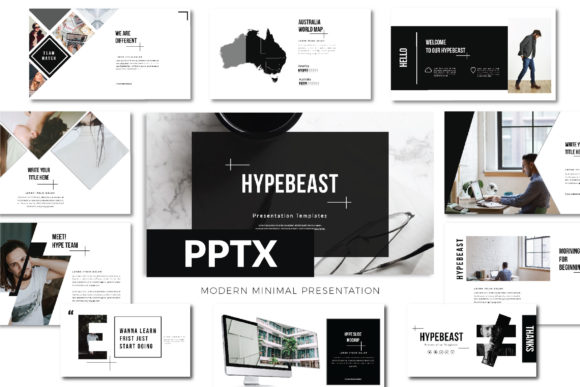
Marketing professionals will find it indispensable for creating campaign retrospectives, social media strategy decks, or client-facing reports that need to convey data and insights with clarity. The variety of layout options allows for the seamless integration of text, images, charts, and infographics. Even for personal projects—like planning a wedding, organizing a community event, or presenting a hobbyist's guide—the template provides a polished, magazine-like framework that elevates the entire endeavor. It’s a versatile design asset that bridges the gap between a personal project and a professional presentation.
Key Features for a Streamlined Workflow
AURELIA is built with practicality at its core. The "Picture Placeholder" feature is a standout, eliminating the tedious task of manually cropping and positioning images across dozens of slides. You simply drag your chosen visual into the designated area, and it fits perfectly within the designed frame. This is a significant time-saver, especially when working with a large volume of imagery.
Being "Fully Editable" means you have complete control. Adjusting text, modifying shapes, or rearranging elements is straightforward, allowing for deep customization. The use of free, commercially licensed fonts (details in the included PDF) removes a common hurdle, ensuring you can use the final presentation for any purpose without licensing concerns. Remember, while the template provides the structure, the photographs and graphics you use are your own. For high-quality, royalty-free images, resources like Unsplash or Pexels are excellent starting points to populate your slides with compelling visuals that tell your unique story.
Choosing and Customizing for Maximum Impact
When integrating a template like AURELIA into your projects, a strategic approach yields the best results. Start by defining your core message and audience. Is your goal to inform, persuade, or inspire? The template's minimal style is a blank canvas; your content and brand assets provide the color and personality. Use the unique theme color feature to apply your primary brand color, then use the font styles to establish a clear hierarchy. A bold sans-serif for headlines and a clean, readable serif or sans-serif for body text is a classic, effective pairing that ensures readability.
Don't feel constrained by the initial structure. The "Easy to Customize" nature of the file invites experimentation. Try combining layouts from different sections of the template to create a flow that's uniquely yours. For instance, a magazine-style image grid from one slide can precede a data-driven chart slide, creating a dynamic rhythm. Always preview your presentation in its intended environment—whether that's a large conference screen or a shared Zoom window—to check for readability and visual impact. The goal is a professional presentation that feels authentically yours, leveraging AURELIA's robust framework to communicate with confidence and style.