Beyond the Slide Deck: Unlocking the BEVERLY Retro Template for Modern Branding
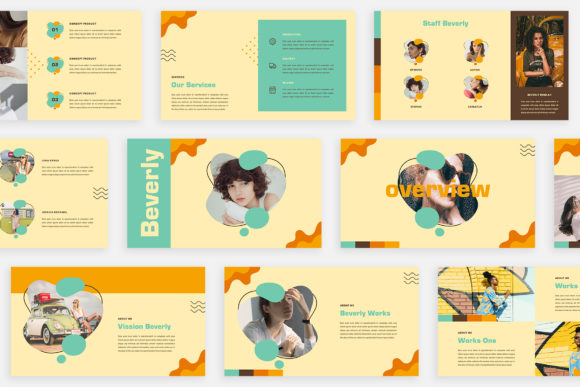
If you have ever sat in front of a blank white screen, cursor blinking back at you mockingly while you try to conjure up a presentation that doesn't look like it was made in 1998, you know the struggle. We spend hours curating our Instagram feeds and designing our logos, yet when it comes to pitching a client or presenting a quarterly report, we often settle for generic, cookie-cutter slides. This is where the BEVERLY - Retro Keynote Template steps in, not just as a tool, but as a stylistic statement. It is designed for those who appreciate the warmth of vintage aesthetics but require the precision of modern digital media.
The Magazine Aesthetic: Why "Retro" Works Today
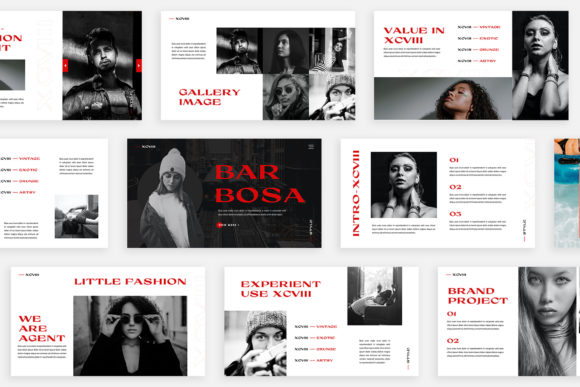
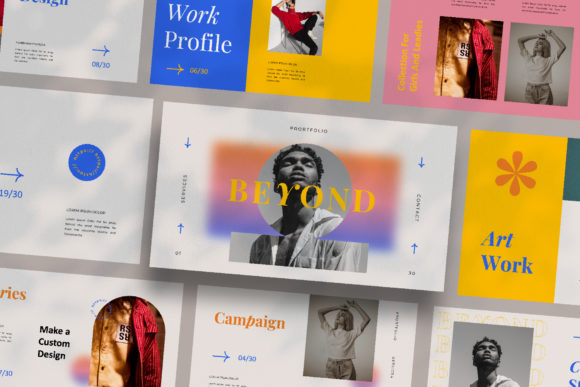
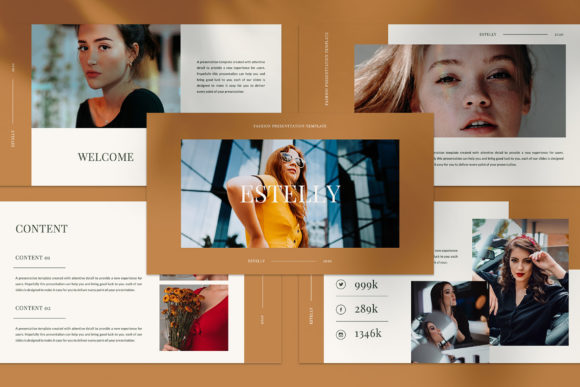
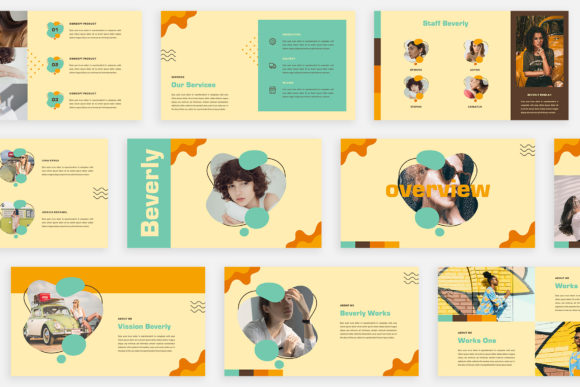
The term "retro" often gets misunderstood. It doesn’t mean outdated; it implies a timelessness. BEVERLY leverages this by offering a lookbook and magazine-style layout that feels tactile and curated, even on a digital screen. In a world saturated with flat, minimalist corporate designs, a template that embraces unique theme colors and editorial layouts stands out. It captures the attention of your audience because it breaks the visual monotony.
For entrepreneurs and designers, this is a game-changer. When you are presenting to a business partner or a potential client, your visual language speaks before you do. A standard, rigid grid suggests rigidity. A flowing, magazine-inspired layout with high-resolution imagery suggests creativity, attention to detail, and a strong brand identity. BEVERLY is built with this philosophy, ensuring that every slide feels distinct rather than just a recurring placeholder.
Practical Applications: From Pitch Decks to Social Assets
While the primary function of this file is a presentation, limiting it to just a "deck" would be a waste of its potential. Because BEVERLY is designed with Full HD resolution (1920x1080) and uses a unique system of image placeholders, it serves as a versatile asset for various marketing needs. If you are a content creator or a small business owner, you can repurpose these slides into standalone graphics.
Consider the following ways to maximize your investment:
- Social Media Graphics: Instead of designing an Instagram carousel from scratch, export your BEVERLY slides. The magazine-style typography and layout are already optimized for visual impact, saving you hours in Canva or Photoshop.
- Brand Guidelines: Use the "Lookbook" style slides to create a digital style guide. The ability to change colors automatically ensures you can match the template exactly to your client’s hex codes without manually adjusting every shape.
- Digital Lookbooks: If you are in fashion, photography, or interior design, you can use this template to create a downloadable PDF lookbook. The emphasis on high-res placeholders makes it perfect for showcasing visual portfolios.
- Web Banners: The clean lines and distinct typography found in the template can be cropped and adapted for website headers or newsletter graphics, maintaining visual consistency across your digital presence.
Designing for Impact: Readability and Flow
One of the most critical aspects of any visual communication is readability. It doesn't matter how cool your design looks if the audience can't read the text. BEVERLY addresses this by utilizing free fonts that are specifically chosen to complement the retro vibe without sacrificing legibility. The typography hierarchy—headings, subheadings, and body text—is already mapped out for you.
When customizing the template, pay close attention to the font pairing. The retro aesthetic often works well with a mix of a bold display font for headers and a clean sans serif font for body copy. This contrast creates a rhythm that guides the viewer's eye naturally down the slide. Avoid the temptation to overcrowd the slides with text. The "magazine" concept relies on negative space and imagery to tell the story. Let the design breathe.
Customization: Making It Uniquely Yours
A template is only a starting point. The real magic happens when you inject your brand’s personality into the structure. BEVERLY is built on Slide Master technology, which is a technical way of saying it is incredibly easy to use. You don’t need to be a graphic design wizard to make it look professional.
The "Drag & Drop" image placeholders are particularly useful for maintaining the integrity of the design. If you have ever tried to fit a square image into a circular frame in Keynote without it looking distorted, you know the headache. This template solves that by automating the process. However, ensure the images you select match the tone of the template. Since it is a retro concept, look for photography with warm tones, grain, or natural lighting. Avoid overly sterile, stock-photo imagery that clashes with the editorial feel.
Remember the color theory as well. The template features a unique automatic color change capability, which is a massive time saver. However, ensure the colors you choose align with the psychology of your brand. A marketing agency might opt for bold, high-contrast colors, while a lifestyle brand might stick to pastels and earth tones.
Final Thoughts on Presentation Strategy
Ultimately, a presentation is a conversation tool. It should support your narrative, not distract from it. The BEVERLY - Retro Keynote Template excels because it provides a strong visual foundation that commands respect and attention. It is perfect for digital media, marketing pitches, and creative portfolios because it balances style with substance.
Before your next meeting, take the time to customize this tool. Swap out the placeholder images for your high-quality work, adjust the theme colors to your brand palette, and refine the text to tell your specific story. By treating your presentation with the same care you treat your logo or your website, you signal to your clients that you value quality in every aspect of your business. Good luck with your next project—make it count.