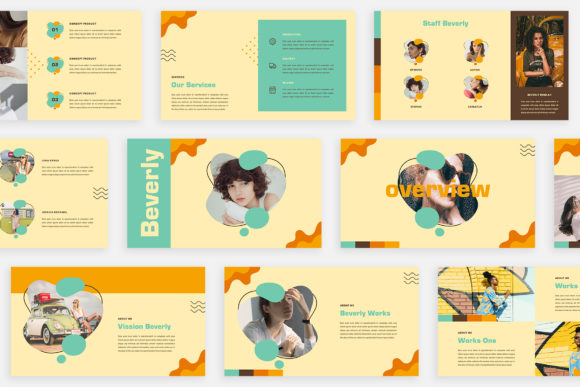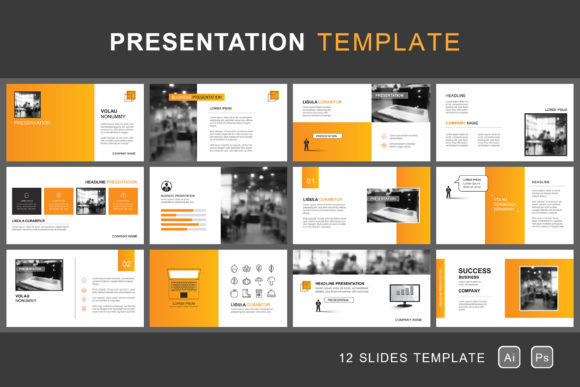
Crafting Visual Stories: The Paper-Style Presentation Template
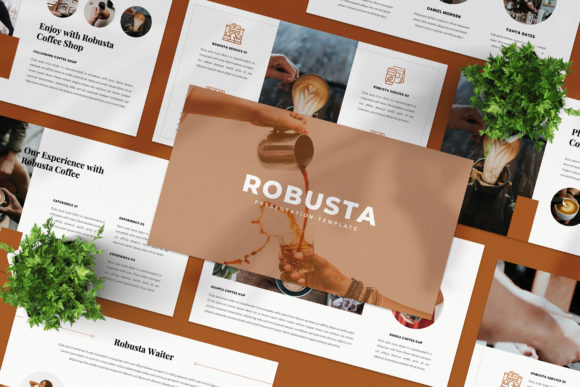
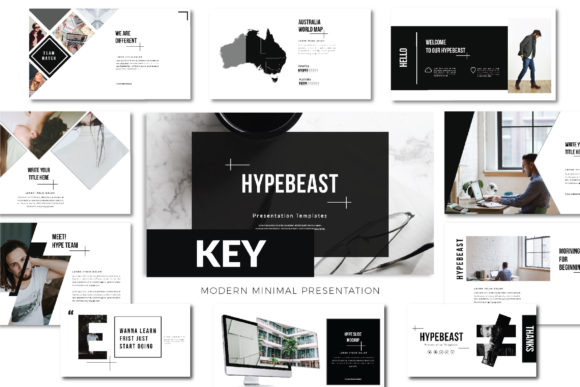
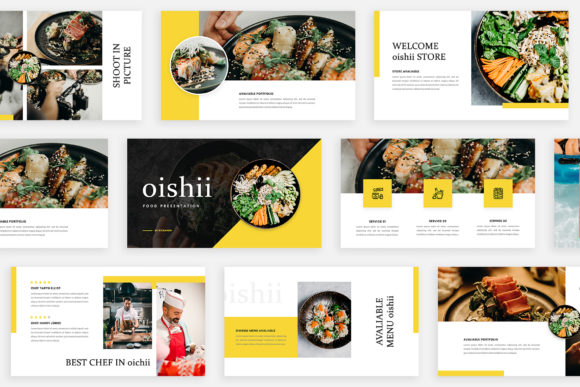
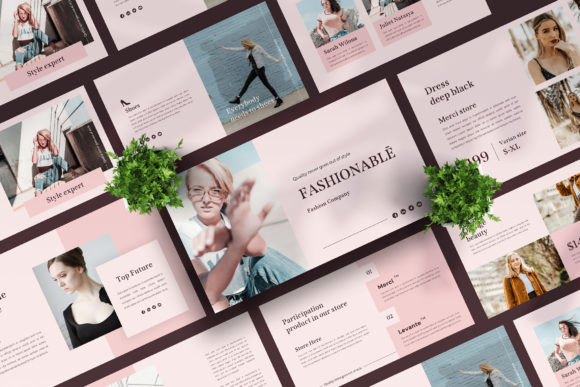
There's something undeniably powerful about a well-designed presentation. Whether you're pitching a new idea to investors, sharing quarterly results with your team, or teaching a complex concept to an audience, the visual framework you use shapes how your message lands. A thoughtfully crafted presentation template does more than just organize information—it sets a mood, establishes credibility, and guides your audience through a narrative. The paper-style presentation template we're exploring today brings a unique tactile quality to digital slides, blending the warmth and familiarity of physical paper with the flexibility and precision of modern design tools. It's a versatile asset that bridges the gap between traditional print aesthetics and contemporary digital communication needs.
The Charm of Paper-Style Design in a Digital World
Why does a paper texture resonate so deeply in our increasingly screen-dominated lives? Part of the answer lies in psychology. Paper evokes feelings of authenticity, craftsmanship, and intentionality. It suggests that someone took the time to create something tangible, something worth holding onto. In a presentation context, this aesthetic immediately differentiates your slides from the sea of sterile, corporate templates that rely on flat colors and generic gradients. The subtle grain, the soft shadows, the slightly off-white backgrounds—these details create a sense of depth and dimension that flat design often lacks.
This particular template leverages that tactile appeal across 12 fully editable PSD files, each sized at 1920x1080 pixels with 300 DPI resolution and CMYK color mode. That means whether you're presenting on a projector screen or printing handouts for a workshop, the visual quality remains sharp and professional. The inclusion of both Photoshop CC and Illustrator CC files, along with EPS 10 and AI formats, ensures compatibility across different design workflows. You're not locked into a single piece of software, which is a practical consideration for teams where designers and non-designers collaborate.
Practical Applications Beyond the Boardroom
While the name suggests presentations, limiting this template to slide decks would be a missed opportunity. The paper-style aesthetic translates beautifully across a range of marketing and communication materials. Consider using it for:
- Marketing flyers and leaflets: The textured background adds a handcrafted quality that catches the eye in a stack of glossy, over-designed promotional materials.
- Brand brochures: For businesses in artisanal industries—think bakeries, craft breweries, boutique hotels, or handmade goods shops—the paper style reinforces brand values of authenticity and care.
- Social media graphics: Stand out in crowded feeds by using the template's layouts for Instagram carousels, Facebook posts, or Pinterest pins that feel intentionally designed rather than algorithmically generated.
- Digital product packaging: If you sell templates, printables, or digital downloads, mockups created with this aesthetic immediately communicate quality and thoughtfulness.
- Event invitations and programs: Weddings, corporate retreats, gallery openings, or community events all benefit from a design language that feels personal and considered.
The key advantage here is versatility. Because the template elements and fonts are fully editable, you can adapt the core aesthetic to fit vastly different projects without starting from scratch. Swap out the default Arial font for a premium serif typeface if you're designing for a law firm, or pair it with a playful script font for a children's brand. The paper background serves as a neutral canvas that supports rather than competes with your typography choices.
Building Brand Recognition Through Consistent Visual Language
One of the most overlooked aspects of brand building is visual consistency across touchpoints. A potential customer might encounter your brand on Instagram, visit your website, receive an email newsletter, and pick up a printed brochure at a trade show. If each of these encounters looks and feels disconnected, you're working against yourself. The brain craves patterns, and when your visual identity repeats cohesively across platforms, it builds recognition and trust over time.
This is where a well-structured presentation template becomes a strategic asset rather than just a design convenience. By establishing your brand's color palette, typography hierarchy, and layout principles within the template, you create a reference point that can inform all your other visual materials. The paper-style aesthetic, in particular, works well for brands that want to communicate warmth, approachability, and authenticity—values that resonate strongly with audiences tired of impersonal, corporate-speak marketing.
For small business owners and entrepreneurs wearing multiple hats, having a template that's immediately usable saves hours of design time. You don't need to be a Photoshop expert to customize these files. The separate layer structure means you can isolate and modify individual elements—swap a background texture, adjust a color overlay, reposition a text block—without accidentally disrupting the overall composition. This accessibility is crucial for solo creators who need professional results without a professional design budget.
Typography Considerations for Maximum Impact
The template uses Arial as its system default font, which is a practical starting point. Arial is a sans serif typeface that's universally available across operating systems, highly readable at various sizes, and neutral enough to work with diverse design styles. However, the real power comes from understanding how to leverage font pairing to elevate your specific project.
A few practical guidelines for choosing and pairing fonts with this template:
- Match the font personality to your message. A modern sans serif like Arial conveys efficiency and clarity. If your brand leans more traditional or luxurious, consider pairing it with a serif display font for headlines while keeping body text in a clean sans serif for readability.
- Limit yourself to two or three typefaces maximum. One for headlines, one for body copy, and optionally one accent font for callouts or quotes. More than that creates visual noise.
- Test readability at actual presentation size. What looks elegant at 72pt on your monitor might become illegible when projected in a bright conference room. Always preview at the intended viewing distance.
- Consider licensing carefully. If you're using this template for commercial projects—client work, products for sale, or branded marketing materials—ensure any fonts you add beyond the system default carry appropriate commercial licenses. This is a detail that trips up many creators, especially when using free fonts from the internet.
From Screen to Print: Maintaining Quality Across Formats
One standout feature of this template collection is its print-ready specifications. The 300 DPI resolution and CMYK color mode in both the Photoshop and Illustrator files mean you're not sacrificing quality when moving from digital presentation to physical print materials. This dual-purpose capability is particularly valuable for small businesses that need to maximize every design asset.
Imagine preparing a pitch deck for a client meeting, then repurposing the same slides as a printed leave-behind brochure. Or designing a social media campaign that mirrors the visual language of your trade show booth graphics. When your digital and print materials share the same DNA, your brand feels cohesive and intentional, regardless of where someone encounters it.
The paper-style background plays especially well in print. Textures that might appear subtle on screen often gain richness and character on physical paper stock, particularly when printed on uncoated or matte finishes that echo the template's tactile quality. It's worth doing a test print to see how the digital design translates to the physical medium—sometimes small adjustments to contrast or saturation make a meaningful difference.
Making It Your Own
The most effective design assets are the ones that disappear into your brand. A great template shouldn't scream "template" when your audience sees the final product. It should feel like a natural extension of your unique visual identity. With 12 layered PSD files offering different layout possibilities, you have enough variety to create presentations that feel dynamic without losing structural coherence.
Start by customizing the color palette to match your brand guidelines. Then select your typography—whether that's sticking with Arial for its universal compatibility or introducing a creative font that better reflects your brand's character. From there, experiment with the layout structures provided. Some slides work better for data-heavy content with charts and bullet points, while others are designed for impactful single-image or quote-driven moments. Understanding when to use each layout type is a skill that separates good presentations from great ones.
The beauty of having Illustrator and EPS files alongside the Photoshop versions is that vector elements can be scaled infinitely without quality loss. This matters when you're adapting a single design system across materials that range from a small social media icon to a large-format event banner. Working with vector-based elements gives you that flexibility without the headache of pixelation or resolution mismatches.
Whether you're a designer building assets for a client, an entrepreneur crafting your first pitch deck, or a content creator looking for a distinctive visual style, a paper-style presentation template offers a foundation that's both aesthetically compelling and practically versatile. It's the kind of design investment that pays dividends across projects, saving time while elevating the perceived quality of everything you create with it.