MYLTHA: A Minimal Media Template for Polished Presentations
That moment of dread when you open a blank slide deck is familiar to many of us. You have a brilliant idea, a crucial business pitch, or a creative concept to share, but the presentation itself feels like a barrier. Generic templates often feel stiff, impersonal, or overdone, failing to capture the unique essence of your message. This is where a thoughtfully designed asset like the MYLTHA Google Slides Template shifts the experience from a chore to a creative opportunity. It’s built not just as a set of slides, but as a visual framework for storytelling.
More Than a Template: A Visual Narrative Toolkit
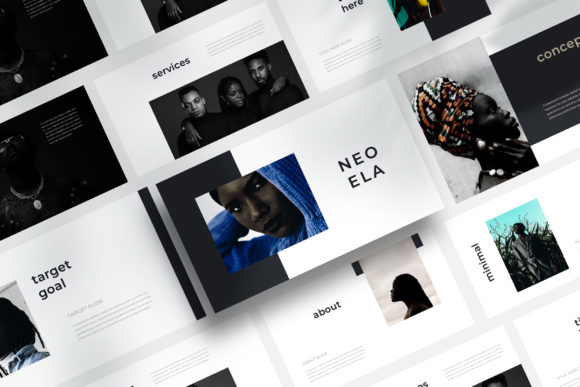
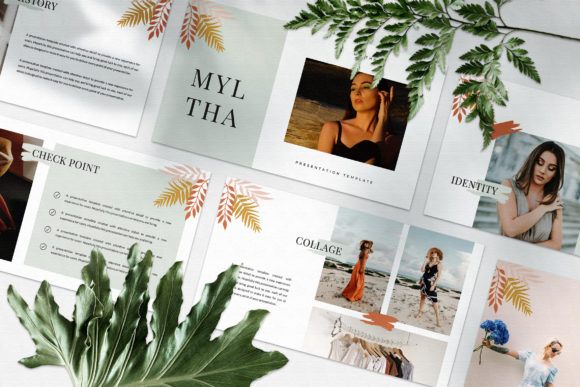
What immediately sets MYLTHA apart is its commitment to a minimal media aesthetic. Minimalism in design isn’t about being empty; it’s about intentionality. Every space, every line, and every layout choice serves the content. This template avoids the trap of repeating the same layout with different color accents. Instead, each slide is a unique composition, offering a fresh perspective that keeps your audience visually engaged from the first click to the final thank you.
The design language leans into a clean, contemporary feel that’s incredibly versatile. Think of it as a lookbook or a high-end magazine spread for your ideas. The layouts are crafted to showcase visuals and text in harmony, making it perfect for a wide range of applications:
- Marketing & Brand Pitches: Present a new campaign or brand strategy with the clarity and professionalism it deserves.
- Digital Media Portfolios: Showcase photography, graphic design, or video work in a layout that lets the art breathe.
- Client Reports & Business Updates: Transform dense data and updates into a clean, digestible, and impressive narrative.
- Educational Workshops & Webinars: Create instructional content that is easy to follow and visually stimulating.
- Personal Projects & Creative Pitches: Whether it's a mood board for a wedding, a proposal for a community project, or a pitch for a new venture, the template provides a polished foundation.
Design That Works For You, Not Against You
A beautiful template is useless if it’s a nightmare to customize. The practical design of MYLTHA addresses this head-on. Built with Slide Master, the core structure is locked in, ensuring your fonts, colors, and master layouts remain consistent. This is a game-changer for maintaining brand identity. You set your brand’s theme color once, and it automatically applies across every slide, saving hours of manual adjustment and preventing frustrating inconsistencies.
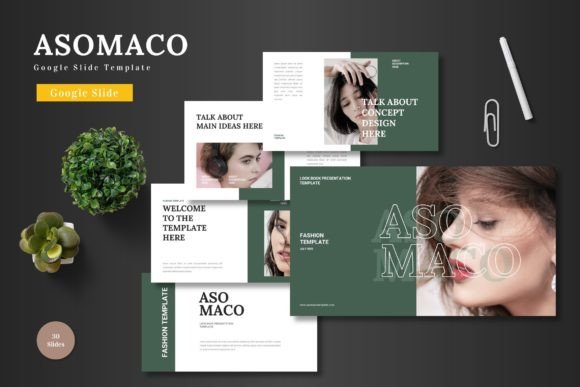
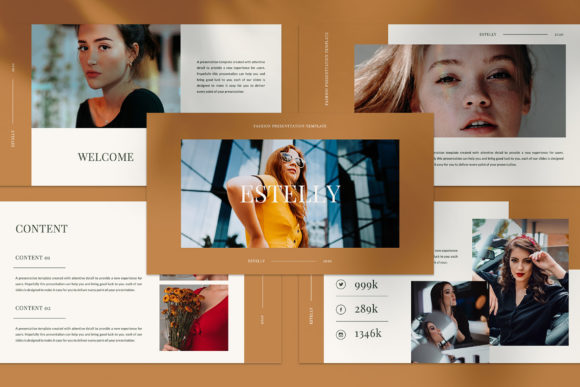
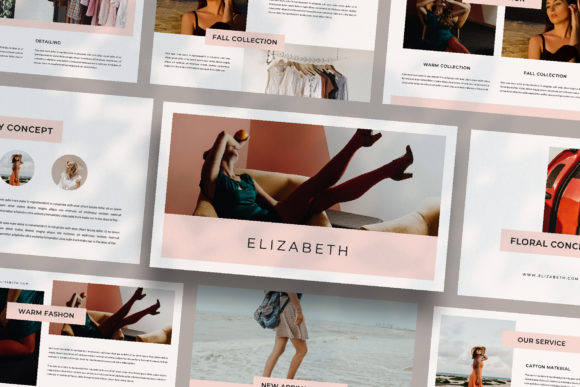
The inclusion of picture placeholders is another thoughtful touch. Instead of guessing where an image should go or struggling with alignment, you simply drag and drop your own photos into the designated frames. This streamlined process is invaluable for small business owners and content creators who need to produce professional materials quickly without a steep learning curve. The template becomes a true design partner, handling the technical heavy lifting so you can focus on your message.
Practical considerations are baked into its foundation. The 1920x1080 pixel resolution ensures your presentation looks crisp on any screen, from a laptop to a conference room projector. The use of free fonts, with links provided in the included help file, removes any worry about licensing issues for your final presentation, making it a safe and accessible choice for any project.
Elevating Your Brand’s Visual Language
Consistency is the cornerstone of brand recognition. When your marketing materials, social media graphics, and presentations all share a cohesive visual language, your brand becomes more memorable and professional. MYLTHA’s unique theme color feature and uniform design philosophy are direct tools for achieving this. You can align the template’s minimal aesthetic with your brand’s identity, whether that’s through color, imagery style, or typography.
The template’s structure encourages you to think about visual hierarchy—a key principle in effective communication. The layouts guide you to place your most important message in a focal point, support it with relevant imagery, and provide context with concise text. This isn’t just about making things look pretty; it’s about making your content more understandable and persuasive. For an entrepreneur pitching to investors or a blogger sharing insights, this guided hierarchy can significantly improve audience engagement and retention.
Practical Tips for Getting the Most from Your Template
To truly harness the power of a premium asset like this, consider a few best practices. First, start with your content. Outline your key points and find or create your imagery before you even open the template. This allows you to choose the slides that best frame your message, rather than forcing your content into ill-fitting layouts.
Second, be intentional with your typography. While the template uses a specific set of free fonts, understanding their roles is helpful. Often, a clean sans-serif font is used for body text to ensure maximum readability, while a complementary display font might be used for headlines to add personality. Test how your text looks within the placeholders. Does it have enough breathing room? Is the font size sufficient for a back-row audience? Readability should always trump stylistic flair in a presentation.
Finally, think of the template as a starting point, not a rigid cage. The “fully editable” nature means you can adjust text boxes, resize elements, or even add your own subtle flourishes if needed. However, the strength of a well-designed template like MYLTHA is in its curated balance. Often, the most professional result comes from working within its intentional constraints, allowing the clean design to amplify your content rather than compete with it.
In a world saturated with cluttered visuals and information overload, a minimal, well-structured presentation is a breath of fresh air. It signals confidence, clarity, and respect for your audience’s time. The MYLTHA template provides the sophisticated, adaptable canvas to make that signal heard, turning your next presentation from a simple slideshow into a compelling visual experience.