Happy Chinese New Square Flyer: A Designer's Guide to Festive Marketing
The Lunar New Year is a visual feast, a riot of red, gold, and intricate patterns symbolizing luck, prosperity, and new beginnings. For designers and business owners, capturing this energy in a single, impactful piece of marketing is both a challenge and an opportunity. The right design asset doesn't just save time; it becomes the foundation of a successful campaign. This is where a versatile, fully editable template steps in, transforming a complex cultural celebration into a professional and polished promotional tool.
Beyond a Template: A Foundation for Festive Branding
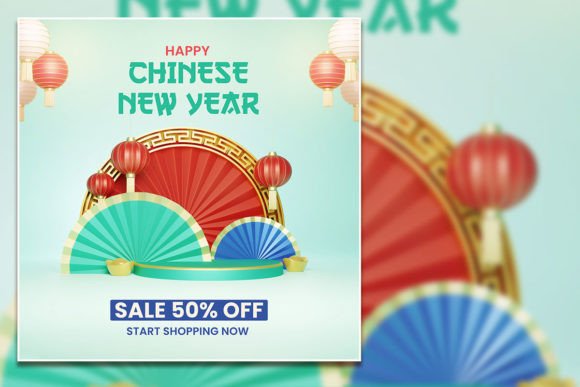
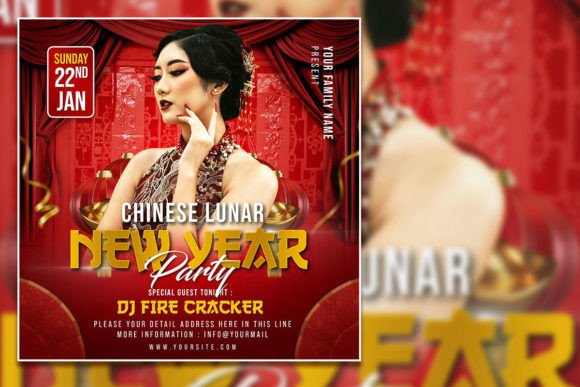
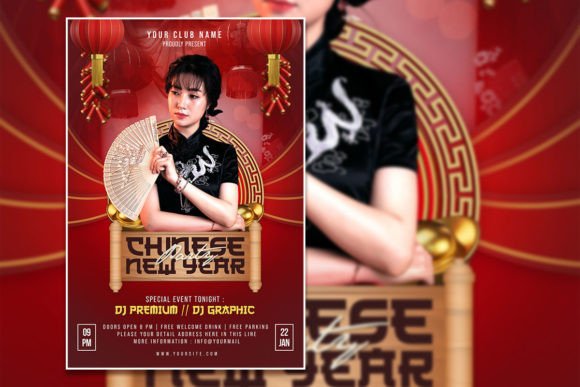
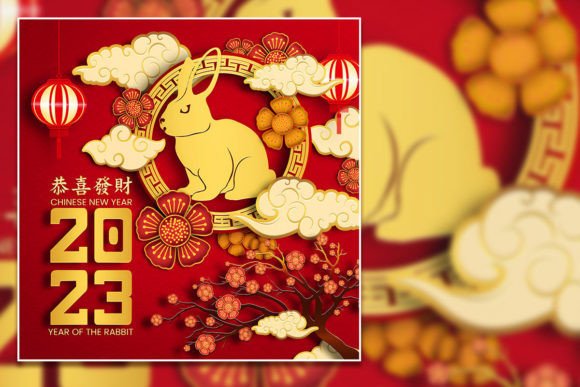
A high-quality Chinese New Year flyer template is more than a pre-made layout. Think of it as a strategic starting point. The Happy Chinese New Square Flyer template, for instance, is built with a 2000x2000 pixel canvas at 300 DPI in RGB color mode—a specification set for both crisp digital displays and high-quality print results. This technical foundation means you're not starting from a low-resolution image that will pixelate on a poster or look muddy in a Facebook ad. The organized PSD layers in Adobe Photoshop give you granular control, allowing you to dissect the design, swap colors, move elements, and replace the placeholder photo with your own imagery seamlessly. This level of editability is what separates a generic download from a genuine design asset.
The practical applications extend far beyond a single event invitation. Imagine a local restaurant using this template to create not just a party flyer, but a cohesive series of social media posts announcing their special New Year menu. A boutique could adapt the design elements—the lanterns, the typography, the color palette—for Instagram Stories, email headers, and even printable in-store signage. The template's consistent visual language helps build immediate brand recognition during a culturally significant period, showing your audience you've put thought and care into your communication.
Practical Design Choices for Maximum Impact
When you open the PSD file, the first step is to assess the existing typography. The font choices in the template are designed to evoke a festive, elegant mood. However, your brand's identity might call for a different voice. This is where the "fully editable text" feature becomes crucial. Selecting the text layers with the text tool allows you to inject your brand's personality. Do you need a more modern, sans-serif feel for a tech company's virtual celebration? Or perhaps a classic serif to maintain a luxury brand's tone? The ability to change fonts means the template adapts to you, not the other way around.
Matching the design style to your project goal is key. The square format is inherently versatile—perfect for Instagram posts, Facebook event covers, and even digital signage. For print, the high resolution ensures your posters and flyers look sharp. Consider the visual hierarchy: ensure your event name, date, and location are immediately legible. Test your font pairings; if you change the headline font, does the body copy still complement it? Does the color contrast meet readability standards, especially for text overlaid on images? These practical checks, enabled by the template's editable structure, are what elevate a project from amateur to professional.
From Digital File to Tangible Experience
The true value of a well-structured design asset lies in its ability to bridge the digital and physical worlds. The PSD file you download is a digital product, but its output can be a tangible experience. Use it to create marketing assets for your entire campaign: the primary invitation, social media graphics that build anticipation, a website banner that sets the tone, and even packaging design for special holiday products. A crafter could use the template to design labels for festive gift sets, while a blogger might create a featured image for a "How to Celebrate" post.
This approach to design promotes visual consistency across all touchpoints. When a customer sees your Instagram post, then clicks through to your website, and later receives an email, the cohesive use of the template's color scheme, imagery, and typography reinforces your brand identity. It tells a unified story. The template isn't just a flyer; it's a toolkit for building a mini-campaign around a major cultural moment, helping you engage your audience with a polished and relevant presentation that feels both celebratory and authentically aligned with your brand.
Key Considerations Before You Download
Before integrating any design template into your workflow, a few practical considerations ensure a smooth process. First, verify the software compatibility. This template requires Adobe Photoshop, so ensure you have access to it. Second, understand the licensing. While the product description highlights its use for promotion and invitations, always review the specific commercial license terms to ensure they cover your intended use, especially for merchandise or products for sale.
Finally, plan your edits. Have your replacement photo ready in a similar aspect ratio and lighting. Know which text elements you need to change and have your copy written. Gather your brand's hex codes if you need to adjust the color palette. This preparation turns the editing process from a frustrating guesswork session into a focused, efficient design task. By treating the template as a flexible framework rather than a finished product, you harness its full potential to create something uniquely effective for your celebration or campaign.