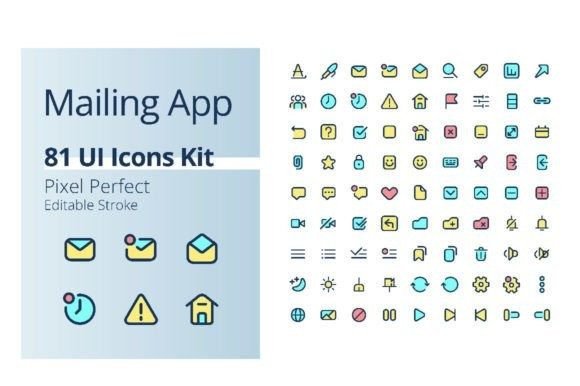
Streamline Your Design Workflow with This Mailing App Icons Kit
Every designer knows the frustration of starting a new project and realizing you need a fresh set of icons. You spend hours searching, downloading packs that don't quite match, or worse, trying to draw them yourself from scratch. What if there was a single, cohesive collection that covered the entire spectrum of digital communication, ready to drop into your work? That's the promise of a well-crafted asset like the Mailing App Color UI Icons Kit. It’s not just a random assortment of graphics; it’s a focused toolkit built around the universal actions of sending messages, managing inboxes, and connecting online. With 81 pixel-perfect icons in vibrant RGB colors, this kit is designed to solve a very specific problem for app designers, marketers, and content creators: getting professional, consistent visuals for communication-themed projects quickly.
A Visual Language for Modern Communication
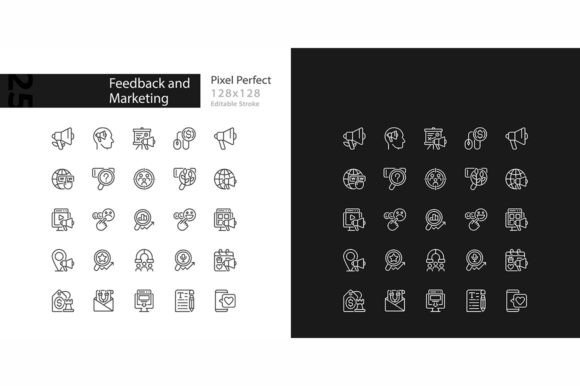
What makes a set of icons truly useful? It’s more than just pretty pictures. It’s about creating a visual shorthand that users instantly understand. This particular collection excels because it’s built on the foundation of common GUI and UX patterns. Think about the last app you used to send a message—chances are, you interacted with icons for compose, send, attach, archive, delete, and search. This kit includes all those fundamental pictograms, plus many more nuanced ones for features like read receipts, priority flags, and social sharing. The consistent style, using editable strokes and the clean Poppins font, ensures that every icon feels like it belongs to the same family. This visual consistency is crucial for building a professional brand identity. When your website, app interface, and social media graphics all speak the same design language, you build trust and recognition with your audience.
The practical applications extend far beyond a single mobile app. Imagine you're a small business owner launching a new newsletter service. You need icons for your landing page, for the email templates themselves, and for promotional graphics on Instagram and Facebook. Instead of mixing styles from different free sources, you can use this kit to maintain a unified look. The variety of file formats—EPS and AI for scalable editing in Adobe Illustrator, SVG for web use, and PNG with transparent backgrounds for easy placement—means you’re not locked into one platform. You can resize an icon to fit a tiny favicon or blow it up for a poster without losing quality. This flexibility is what separates a premium design asset from a disposable one.
Practical Applications for Designers and Marketers
For graphic designers, this kind of asset is a time-saver that pays for itself on the first project. Let’s say you’re designing a brand identity for a tech startup. You need a cohesive set of icons for their website’s navigation, their mobile app, and their investor pitch deck. Having a pre-made, stylistically aligned set allows you to focus on the larger creative strategy—like color palettes, typography pairings, and layout—rather than getting bogged down drawing individual icons. The editable stroke feature is particularly valuable here. It means you can adjust the line weight to match the boldness of your chosen display font or the delicacy of a script font, ensuring everything harmonizes perfectly.
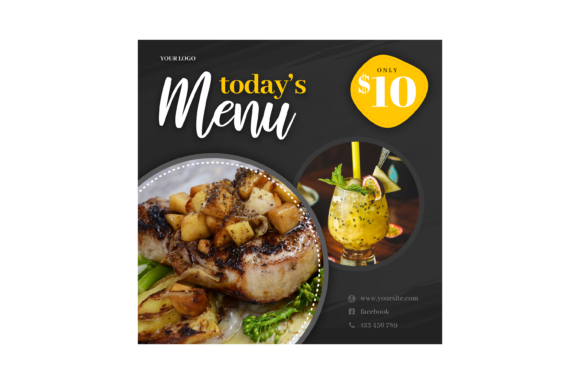
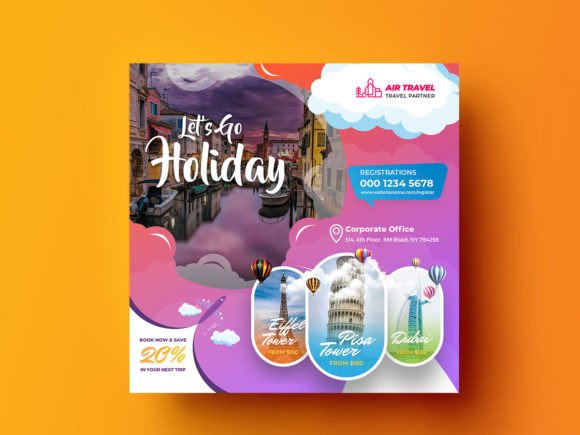
Content creators and social media managers will find endless uses for these pictograms. They can be used to create engaging Instagram Stories that explain a new feature, to design eye-catching pins for Pinterest that drive traffic to a blog post about productivity tools, or to add visual interest to a YouTube video thumbnail. Because the icons are on transparent backgrounds, they layer seamlessly over photos, color blocks, or gradients. This makes them ideal for creating quick, professional-looking graphics in tools like Canva or Adobe Express. The time you save hunting for the right icon is time you can spend crafting your message and engaging with your community.
Even in print, these digital-native icons find a home. Think about the signage for a co-working space, the worksheets for a marketing seminar, or the packaging for a new tech gadget. The vector formats ensure crisp printing at any size. You could use an envelope icon on the packaging to indicate "contact us," or a speech bubble icon on a brochure to highlight a customer testimonial. The key is to use them as accent elements that reinforce your core message without overwhelming your primary typography and imagery.
Integrating Icons into Your Broader Design System
Icons don’t exist in a vacuum. They’re part of a larger ecosystem of fonts, colors, and images. A common mistake is to treat them as an afterthought. Instead, consider them a foundational component of your brand’s visual toolkit. When you adopt a set like this, take the time to explore all 81 options. Map them to the specific actions and concepts in your project. Create a simple guide for yourself or your team on how and when to use each one. This practice builds the kind of visual consistency that makes a brand feel polished and trustworthy.
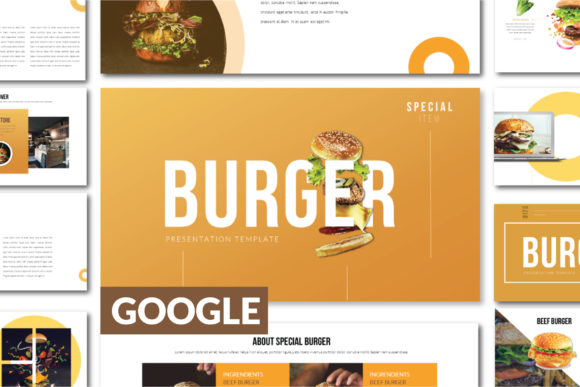
Pairing these icons with the right typeface is also critical. The kit itself uses Poppins, a versatile sans serif font known for its geometric yet friendly feel. This makes it an excellent match for modern, clean interfaces. However, you might want to pair the icons with a different font for your marketing materials. A bold, condensed sans serif could work for impactful headlines on posters, while a classic serif font might lend authority to an editorial layout. The icons’ neutral, contemporary style is designed to complement a wide range of typography, from professional serif fonts to casual handwritten fonts. The goal is to create a dialogue between the text and the imagery, where each element supports the other without competing for attention.
Before finalizing any design, always test for readability and context. An icon that looks perfect on a desktop screen might become an indistinguishable blob on a small mobile device. Ensure there’s enough negative space around each icon, especially when used in navigation menus or button sets. Consider the cultural context of symbols as well; while many communication icons are universally understood, it’s wise to verify that your chosen pictograms don’t carry unintended meanings for your target audience. This attention to detail is what elevates a design from merely functional to genuinely effective.
In the end, the value of a resource like the Mailing App Color UI Icons Kit lies in its ability to remove friction from the creative process. It provides a reliable, high-quality starting point that you can adapt and build upon. Whether you’re refining a mobile app’s user experience, launching a marketing campaign, or simply adding a professional touch to your blog, having a cohesive set of design assets at your fingertips empowers you to work smarter and create more impactful visual communication. It’s about giving yourself the tools to bring your ideas to life with clarity and style.